One tool to view, analyze, diagnose, and manage your endpoint security configuration
📊
Security Score
Comprehensive security posture assessment with actionable recommendations, category breakdowns, and priority-based remediation guidance.
🛡️
App Control (WDAC)
View deployed WDAC policies, scan files against policy, run CiTool commands, and analyze Code Integrity configuration.
💾
Device Control
Manage USB and removable device policies. View, create, edit, and export device control configurations with a visual policy editor.
⚔️
ASR Rules
See every Attack Surface Reduction rule's enforcement mode and whether it is pushed by Intune/GPO or set locally. Investigate blocks and warn-bypasses grouped by rule and process, then create audited permanent or auto-expiring exclusions. Learn more →
🔎
Machine Investigator Preview
Triage up to 25 devices at once from Advanced Hunting. Each one gets a plain-English verdict, the evidence behind it, and copy-paste remediation. Learn more →
🔥
Firewall & WFP
Parse firewall logs, view WFP filter summaries, browse firewall rules, and analyze network policy enforcement.
🔍
Diagnostics
Analyze Defender support bundles (MpSupportFiles.cab), parse logs, detect issues, and export diagnostic reports.
🤖
AI Analysis
Connect to Azure OpenAI or OpenAI to get AI-powered security analysis, risk summaries, and remediation suggestions.
🌐
Network Tracing
Capture network traces with netsh, configure scenarios and providers, and auto-stop on firewall drops with the built-in drop monitor.
✅
Compliance Manager
Create and evaluate compliance policies against your endpoint, including DISA STIG baselines for Defender AV and Firewall.
🖥️
CiTool Integration
Run CiTool.exe commands directly from the app — list policies, refresh CI engine, get device ID, and view live streaming output.
📡
Remote Support
Connect to remote machines via WinRM or PsExec to monitor and diagnose MDE on other workstations across your network.
📚
Knowledge Base
Built-in reference for MDE components, ASR rules, and troubleshooting scenarios with links to official documentation.
🏢
Enterprise Fleet Monitoring
Deploy via MSI with dual scheduled tasks: SYSTEM collects telemetry every 8 hours, the logged-on user uploads to Azure using their Entra identity. No secrets on endpoints.
☁️
Azure Ingestion
Upload health snapshots to an Azure Function App or directly to Blob Storage. Managed Identity auth, Table Storage for Power BI dashboards, Gov Cloud supported. See the dashboard →
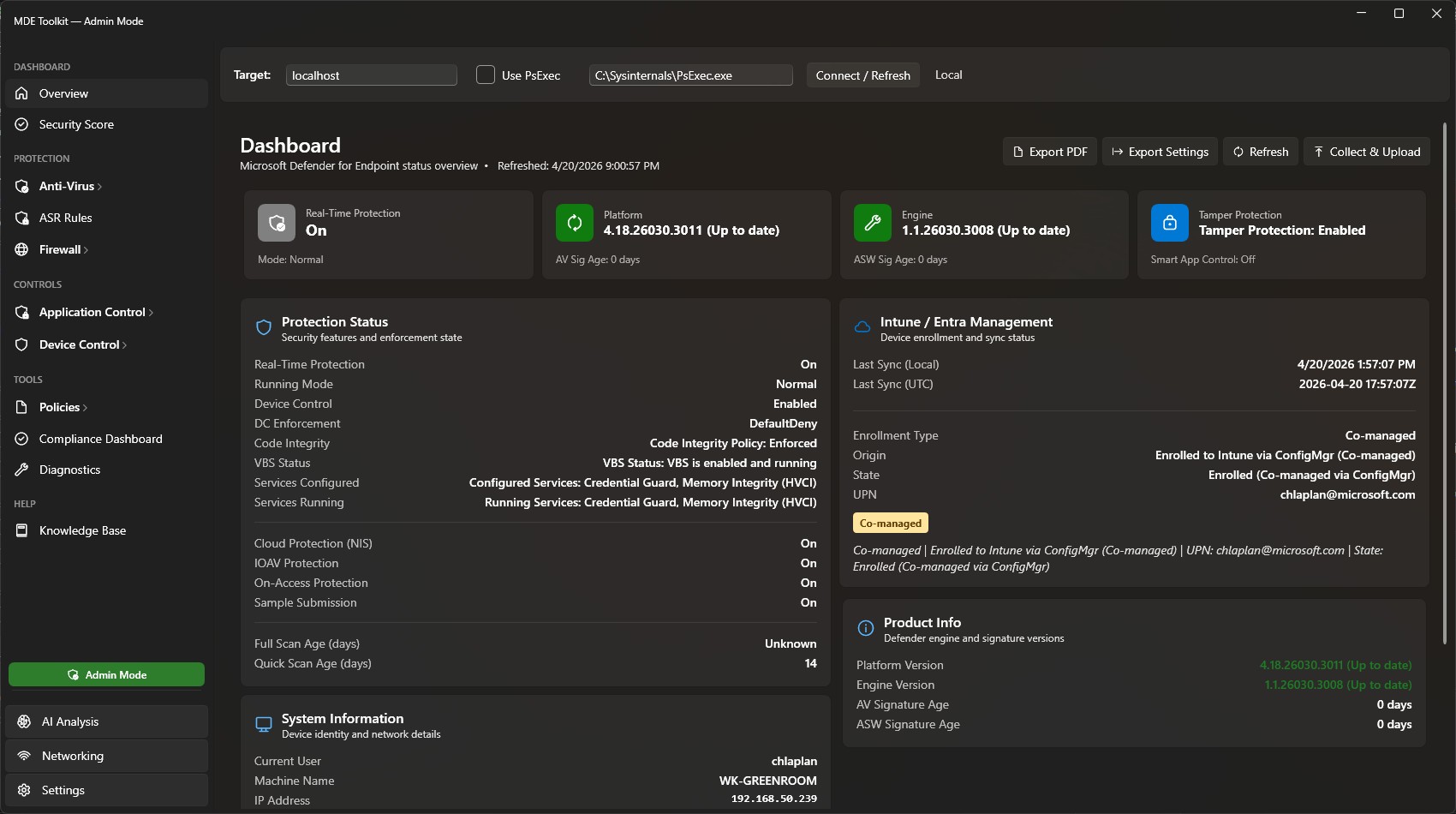 Dashboard Overview
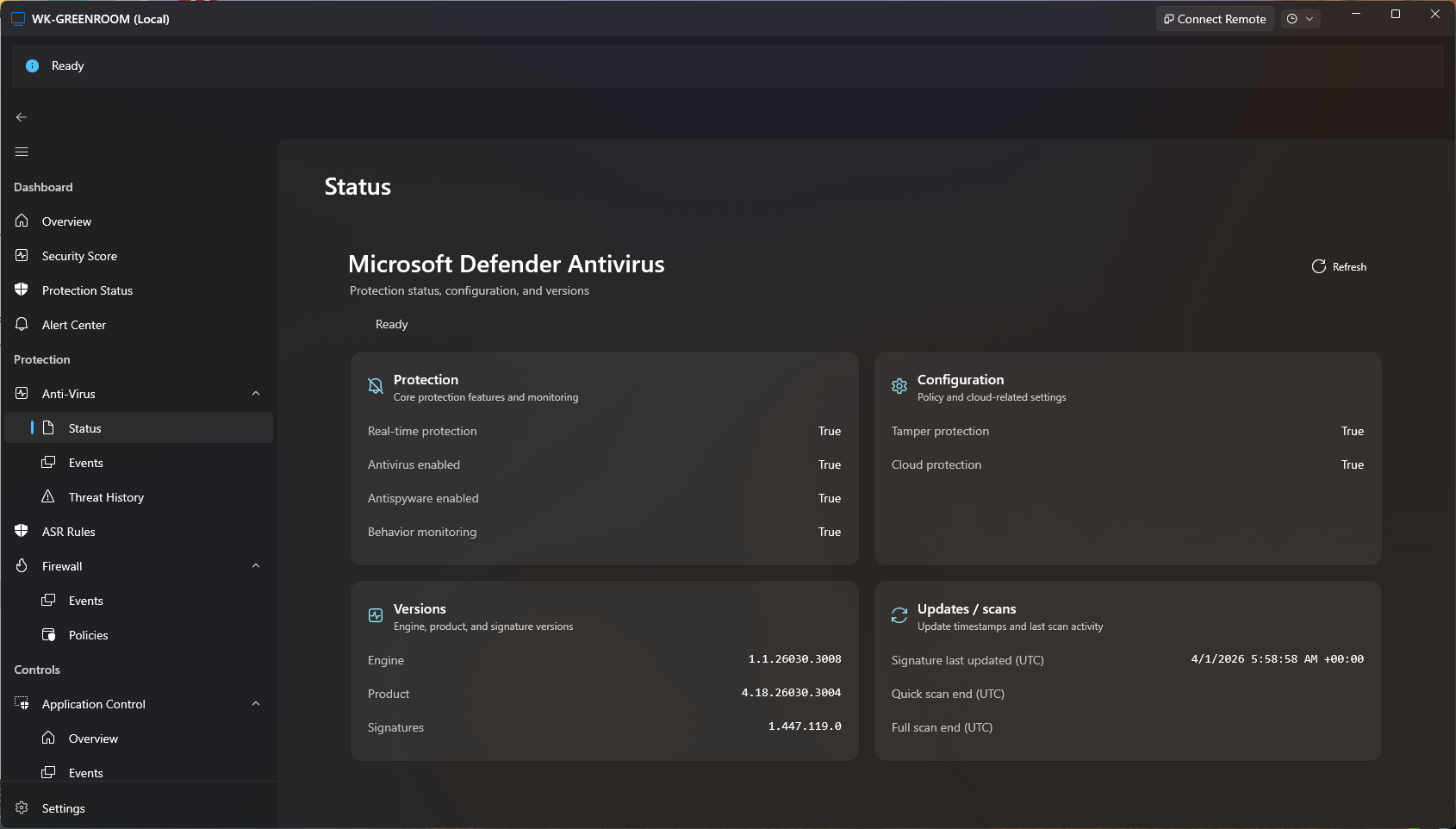 Antivirus Status
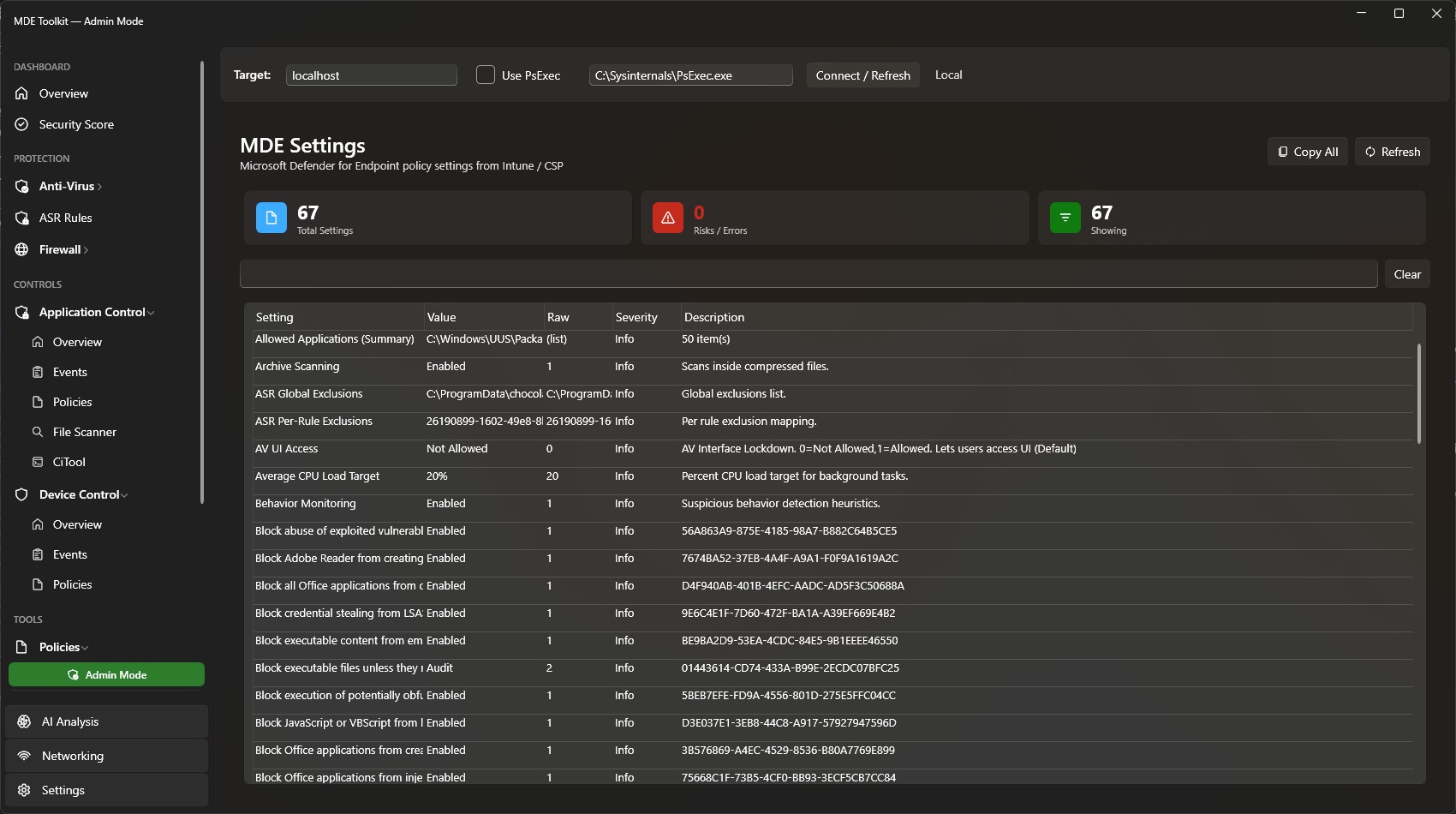 Defender Policies
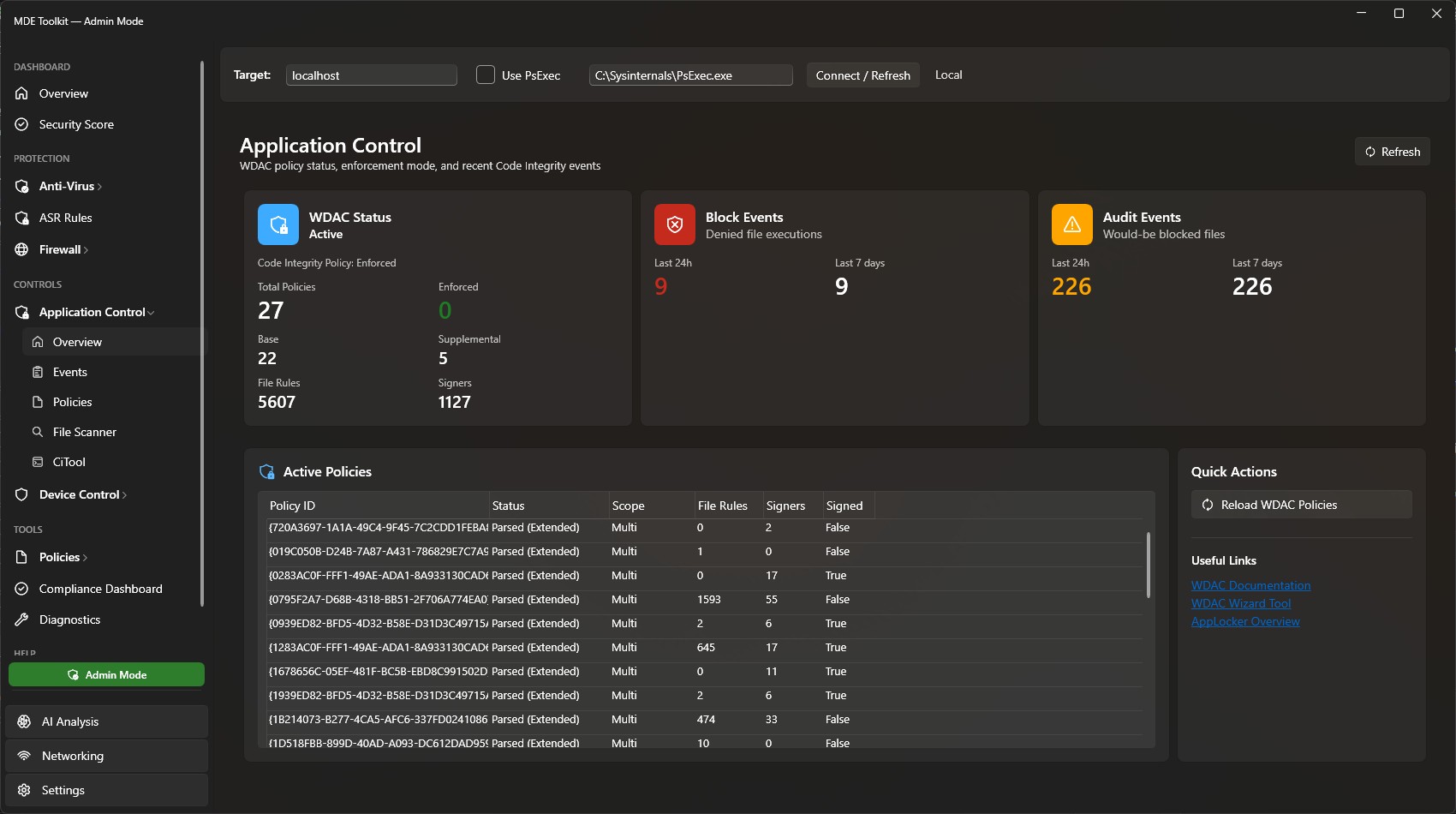 Application Control
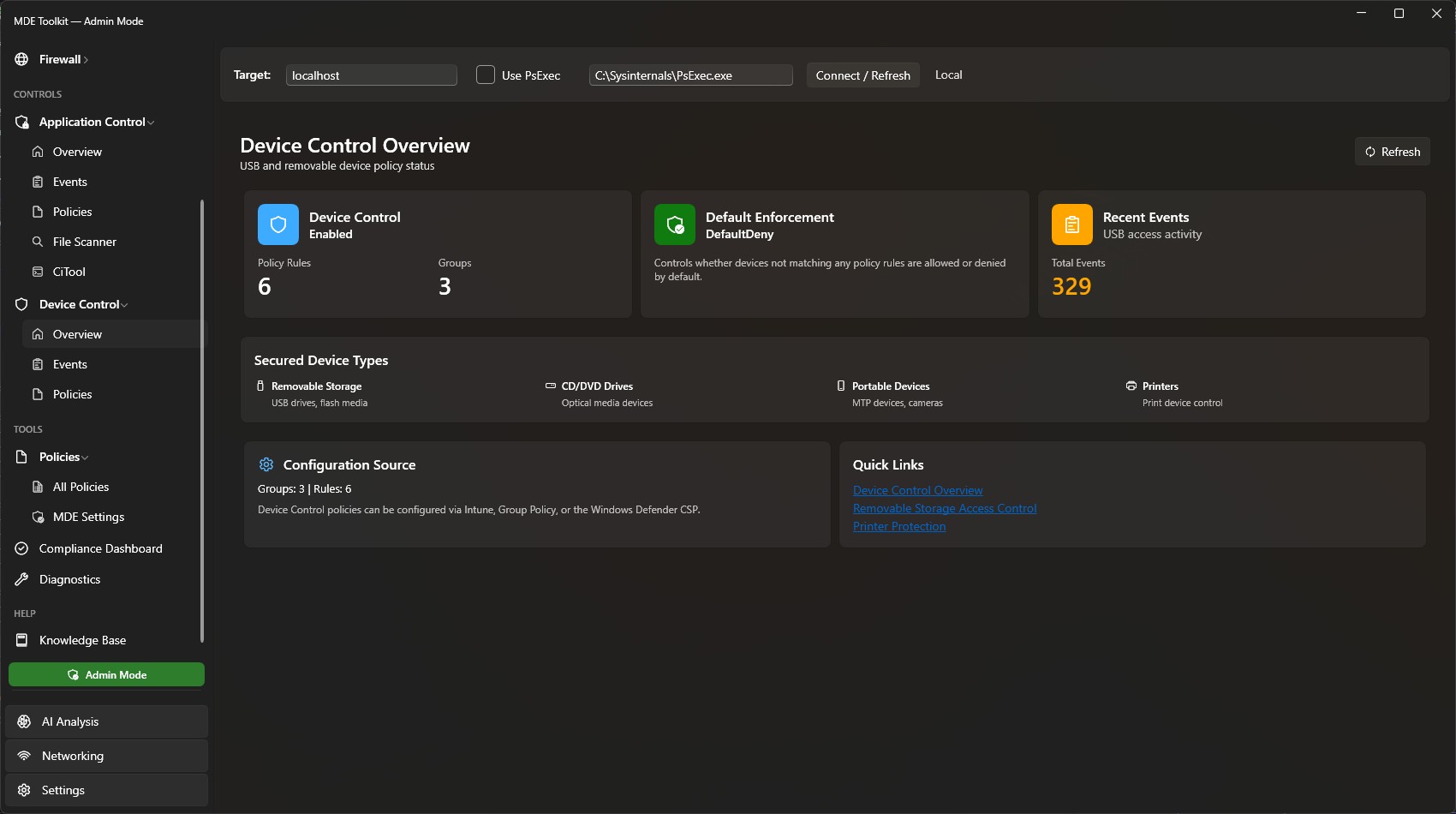 Device Control
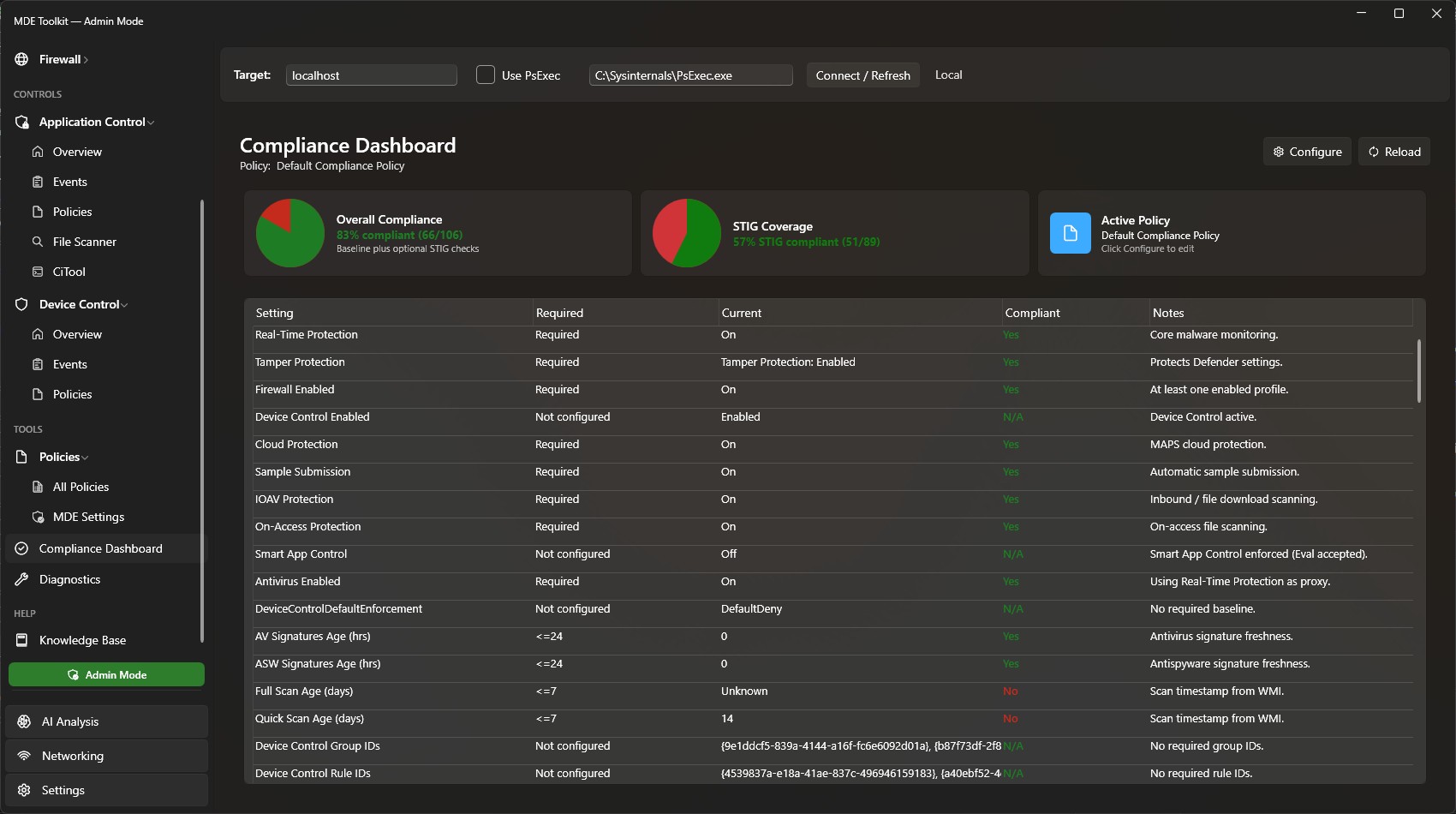 Compliance Dashboard
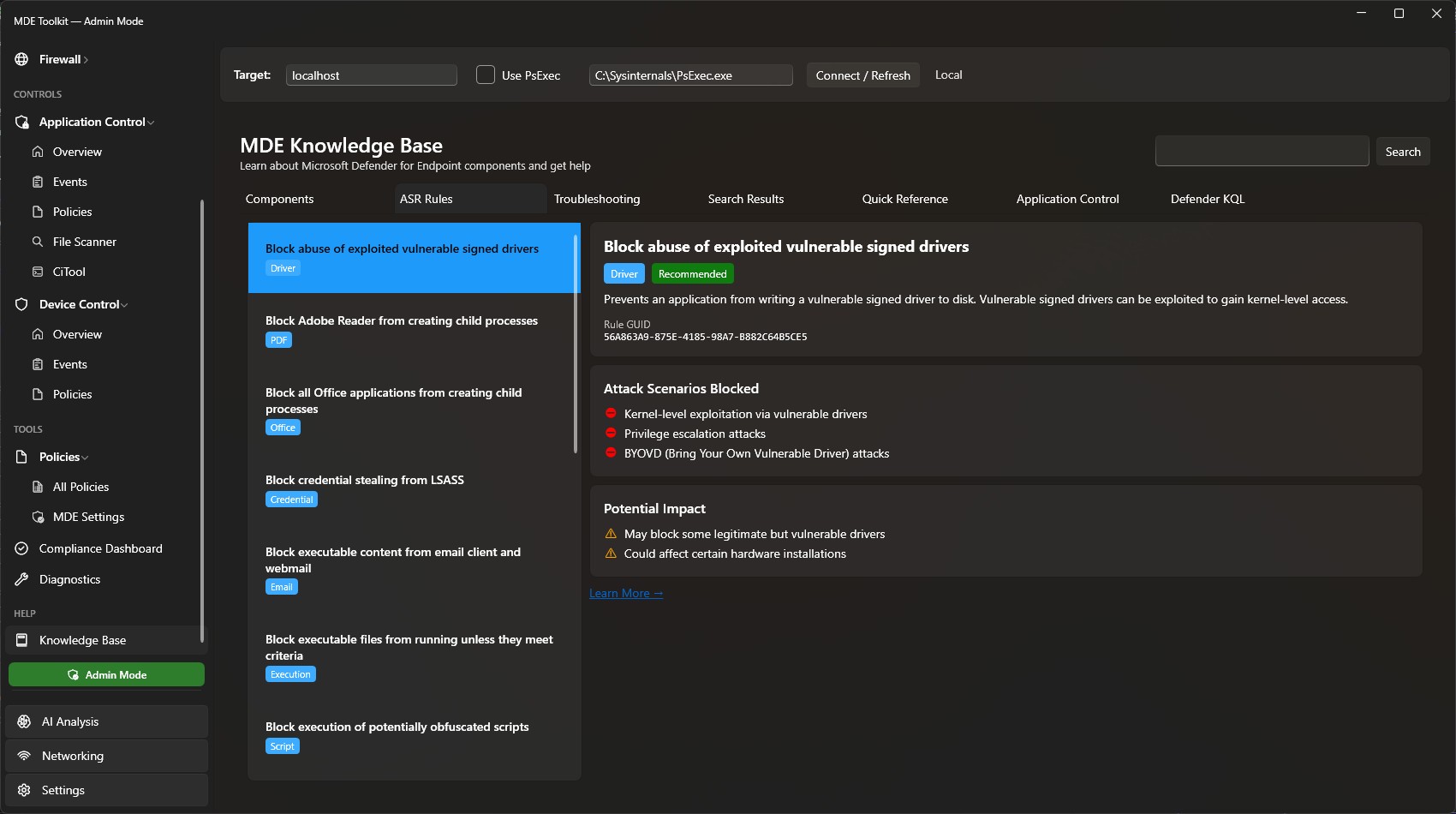 Knowledge Base
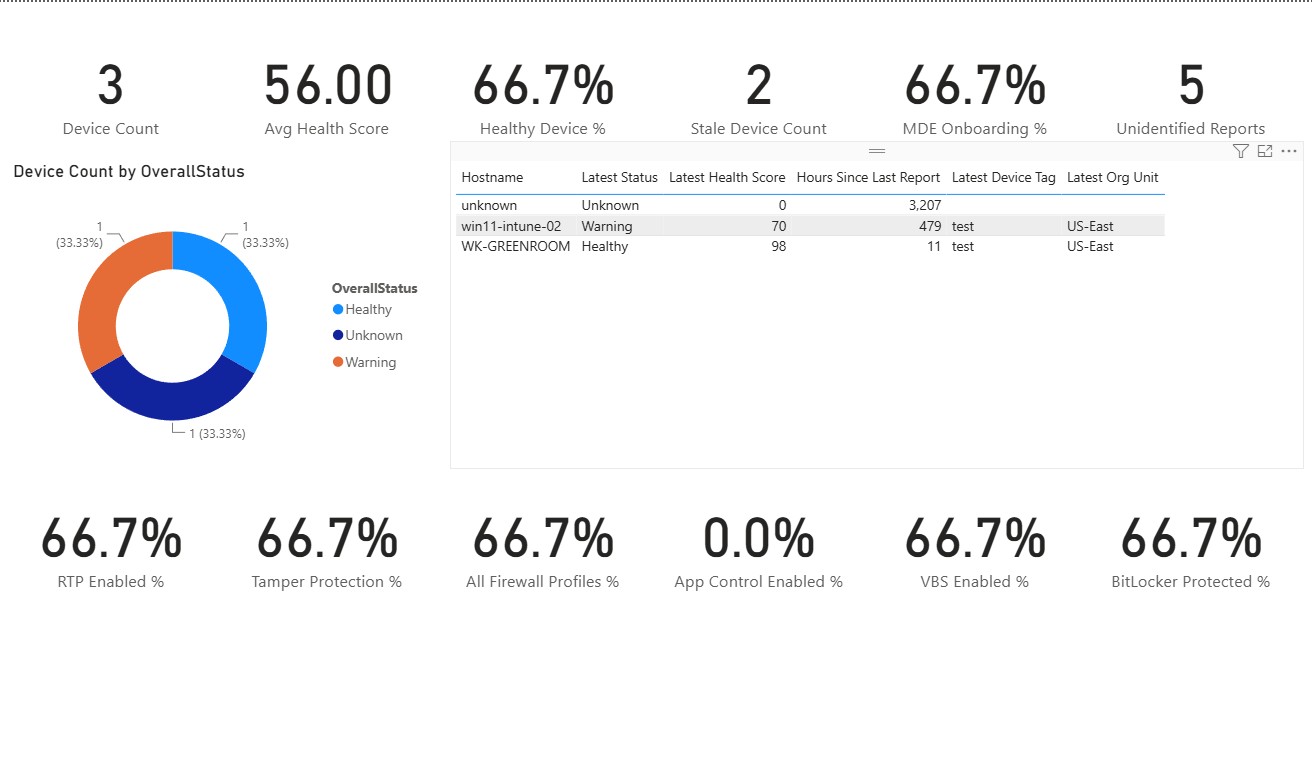 Power BI Fleet Dashboard